Feel free to reach out:
hello@atomik.studio
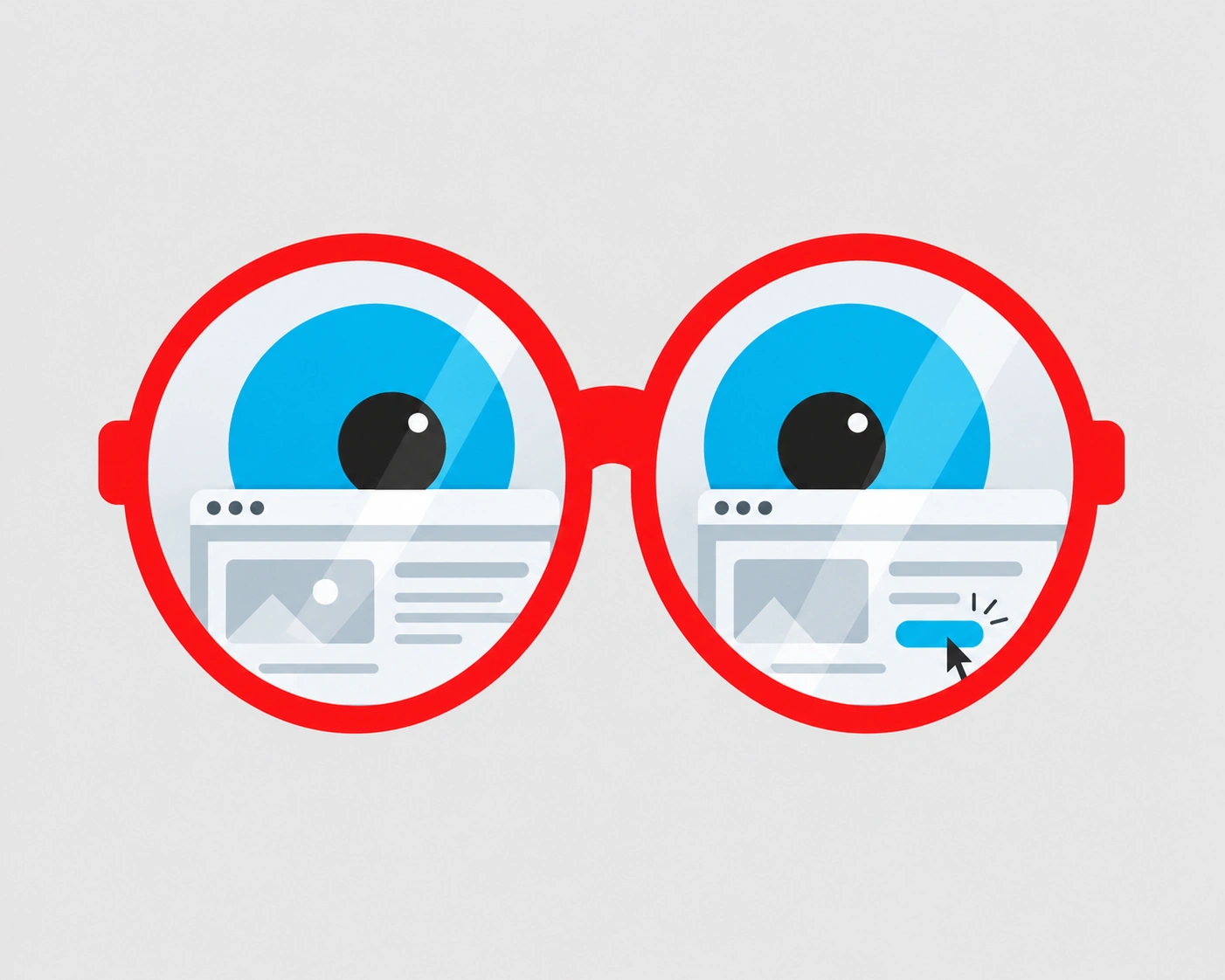
A website can look finished long before it's ready for people to use.
The photography looks good, the animations work and everyone on the project knows the homepage by heart. Then someone outside the team tries to find the prices or submit an enquiry from their phone.
Testing is how you catch the awkward bits before your customers do. It doesn't have to be elaborate, but it should go beyond checking whether every page looks right.
Choose a handful of tasks that matter to the business. For a consultancy, that might mean understanding its services and making contact. For a property developer, exploring developments, comparing locations and registering interest.
Give each task a clear outcome. 'Find the contact page' tests a particular route. 'Find out how to arrange a conversation' lets you discover the route someone would actually take.
These priorities should already be part of your website strategy. Testing shows whether the decisions work beyond the planning document.
The people who designed the navigation know exactly where everything lives. That's useful for building the site and rather less useful for judging how easy it is to navigate.
Ask a few people who resemble your audience to complete realistic tasks without help. Let them explore. Resist the urge to point them towards the right menu.
Small, repeated rounds of testing are often more useful than a single elaborate session. Around five people per user group can be a practical starting point, though complex websites may need more.
A failed task isn't the only sign of trouble. Someone might open three pages, scroll back repeatedly or pause over a label before choosing where to go.
Record what happens, not what you assume it means. 'Three participants missed the contact link' is something you can act on. 'They didn't like the navigation' is a much bigger claim.
When a task ends, ask what they expected and what made them uncertain. You'll often learn more than you would from asking whether they liked the design.
A clear interface can't rescue a page that doesn't answer the question. Check headings, service descriptions, calls to action, prices, conditions and the information people need before they commit.
Can visitors tell what the business offers and what makes the options different? Do they understand what happens after pressing a button?
This is where content architecture earns its place. Information needs to be available when somebody is looking for it, in words they recognise.
Use real copy during testing. Placeholder text can hide problems with reading length, hierarchy and comprehension.
Test an empty search, an invalid form, a missing result and a broken link. Submit a form without completing every required field. Check whether the error tells you how to fix it and whether a successful submission actually reaches the right place.
Baymard Institute's 2026 ecommerce research found that 56% of benchmarked sites and apps inadequately supported users' search needs. That figure is specific to ecommerce, but the familiar frustration isn't: the information exists, and finding it is still difficult.
Try using the site without a mouse. Follow the keyboard focus, enlarge the text, check contrast and make sure form labels explain their purpose. Look at images and links from the perspective of someone using assistive technology.
Automated checks catch technical problems, but they don't tell you whether the experience makes sense. The W3C's evaluation guidance recommends combining tools with human assessment and testing throughout development.
Accessibility shouldn't be the last task squeezed into launch week. Important barriers need to be resolved before the site goes live.
Check mobile layouts, page speed, oversized images, navigation, downloads, embedded media and third-party integrations. A desktop browser with a fast connection can make almost anything look effortless.
If the site supports multiple languages, test each version. Translation changes line lengths, layouts and sometimes the way a user understands the service.
Make sure analytics and conversion events are configured correctly. You'll need reliable information once visitors start using the site.
Testing usually produces more observations than you can fix at once. Sort them by consequence.
Fix critical problems first, give important ones an owner and keep a record of the rest. Retest major changes rather than assuming the first fix solved everything.
Real visitors will show you things your testing didn't. Watch what they search for, where they leave, which tasks they finish and what they keep asking customer support.
Analytics can point to a problem. Speaking with people and watching them use the site can help explain it.
Assign someone to maintain the content and review performance. A website isn't finished just because it's published, any more than a brand rollout ends on launch day.
A launch gets the site in front of people. Testing helps make sure they can actually use it.
How many people should test a website before launch?
+Around five relevant participants per user group can be a practical starting point for a qualitative usability test. Complex sites and distinct audiences may need more people or additional rounds.
What's the difference between usability testing and quality assurance?
+Quality assurance checks that the website functions as intended. Usability testing looks at whether people understand it and can complete their tasks. Both matter.
Can I test a website without a large research budget?
+Yes. A few carefully selected people completing realistic tasks can reveal important issues. Keep tasks neutral, observe without guiding them and document what happens.
Should website testing happen before or after launch?
+Both. Test prototypes and working pages before launch, resolve critical issues before publishing and keep reviewing behaviour and feedback once the site is live.

Francisco Belo dos Santos shapes brands through strategy, identity and digital experiences. Based in Dubai and born in Lisbon, he brings an international perspective shaped by diverse cultures and markets, combining strategic thinking with a belief in purposeful design.

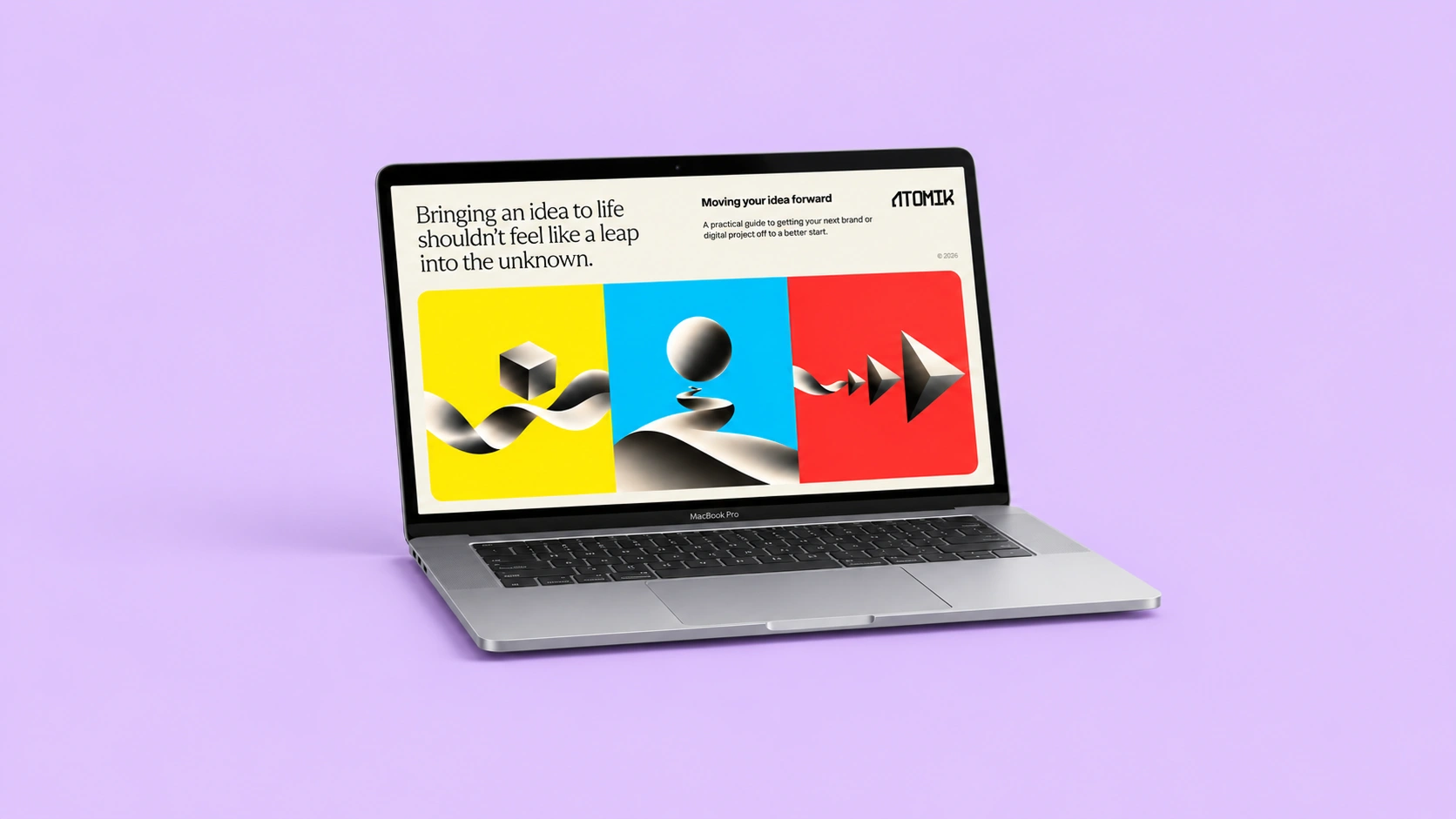
Clarify your challenge, set priorities and prepare a brief for your branding or design needs.
Strategy, identity and digital experiences come together in different ways. Here's a selection of projects shaped by different challenges, ambitions and opportunities.
Explore selected projects ↗Developing something new, rethinking an existing brand or considering a different direction? Tell me what you're working on and we'll take it from there.
Start a conversation ↗