Feel free to reach out:
hello@atomik.studio
A website can look excellent and still make simple information surprisingly difficult to find.
Someone wants to understand a service, compare options or find out what happens next. Instead, they're presented with a carefully animated introduction, six menu categories and a company history they hadn't asked for.
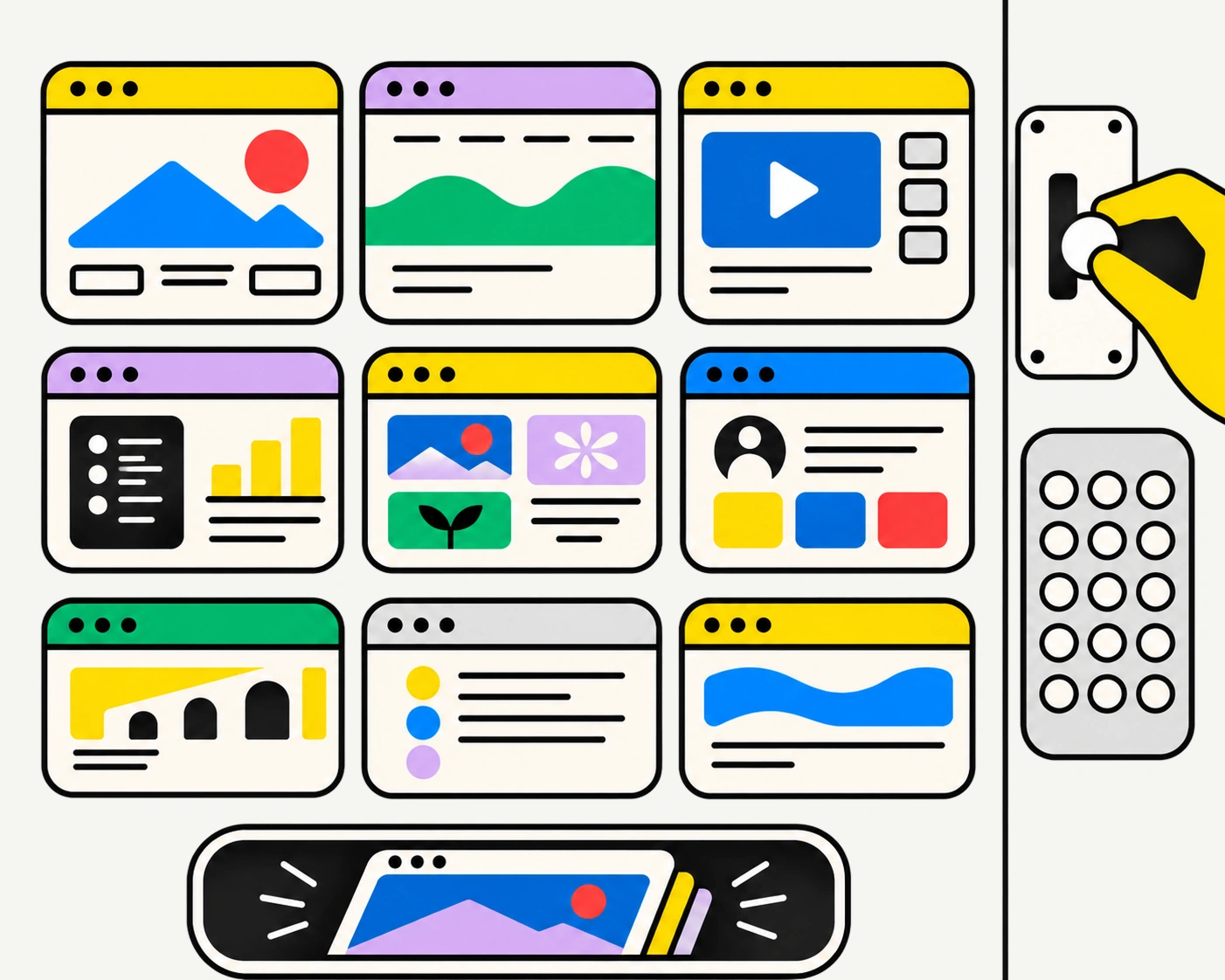
Content architecture determines where information belongs, how pages relate to one another and how people move between them. It helps visitors find what they need without having to understand how the business operates internally.
Here's how to approach it.
Businesses naturally organise information around their own structure. Departments, business units, service categories and internal terminology all find their way into the navigation.
Visitors have other priorities.
Someone looking for property management services probably doesn't care which department provides them. They want to understand what's included, whether the service meets their needs and how to get started.
Start by identifying the main reasons people visit the website. Review customer enquiries, sales conversations, support requests, search behaviour and existing analytics.
Separate audience types from tasks. Two different audiences might need the same information, while people within the same audience might visit for entirely different reasons.
Output: A prioritised list of visitor tasks, questions and information needs.
Before reorganising pages, understand the content you have.
Review the existing website and record each page's purpose, intended audience, key information and performance where data is available.
Look for duplication, outdated information, missing answers and content that serves no clear purpose.
A business might have five pages explaining variations of the same service. Important information could be buried in downloadable PDFs. A question repeatedly asked by customers might have no clear answer anywhere.
Websites accumulate content. New pages appear whenever someone identifies a need, but the overall structure rarely receives the same attention.
Decide what to keep, improve, combine, create or remove.
Don't assume an unpopular page is unnecessary. It might simply be difficult to find.
Output: A content inventory with decisions and ownership for each page.
With a clearer picture of the content, start establishing relationships.
People should be able to predict where information lives. Services need understandable categories. Related subjects should connect naturally. Navigation labels should describe what visitors can expect to find.
Internal terminology can get in the way.
A business might refer to its services as Solutions, Capabilities or Ecosystems. Those labels may be familiar to employees but tell a first-time visitor very little.
Sometimes Services does the job considerably better.
For larger websites, card sorting can help reveal how people naturally group information. Nielsen Norman Group's explanation of card sorting and tree testing is a useful starting point.
Output: Proposed content categories, relationships and navigation labels.
The sitemap establishes which pages exist, where they sit and how they connect.
It shouldn't simply mirror the organisation chart.
Start with the main content categories and decide what deserves its own page. Consider whether visitors need an overview before exploring details and how easily they can move between related subjects.
A company offering several distinct services may benefit from individual service pages explaining scope, benefits, proof and next steps. Putting everything on one long page could make comparison harder.
Equally, creating a separate page for every minor variation can make the website unnecessarily complicated.
Let the content and the decisions visitors need to make determine the structure.
Output: An agreed sitemap and primary navigation structure.
A sitemap explains where pages belong. It doesn't explain what each page should do.
For important pages, define the main visitor question, the information needed to answer it and the logical next step.
A service page, for example, might need to explain what the service is, who it's for, what the process involves, relevant experience and how to enquire.
The order matters. Visitors shouldn't have to reach the bottom of a page before discovering whether the service is relevant.
Avoid designing every page around the same collection of components. The content should influence the layout, not spend the rest of its life trying to fit into it.
Output: Page briefs with objectives, content hierarchy, supporting evidence and relevant calls to action.
Creative navigation can add character, but people shouldn't need to learn an interface before using it.
Use clear labels, consistent placement and recognisable behaviours. Make it easy to understand where you are and where you can go next.
And don't rely entirely on the main menu.
Relevant internal links can connect subjects. Breadcrumbs may help on larger sites. Search can support complex content libraries, provided it returns useful results. Footer navigation can make frequently needed information easier to reach.
Mobile deserves particular attention. A structure that feels manageable across a wide desktop menu can become frustrating when compressed into several layers.
You don't need to expose every page at once. People just need to know where to go next.
You don't need a finished website to discover that people can't find something.
Give participants realistic tasks. Ask where they would look for a service, a document or the information needed to make a decision.
Watch the routes they take, where they hesitate and which labels they misunderstand.
Tree testing evaluates whether people can find information within a proposed hierarchy, without the influence of a finished visual interface. Nielsen Norman Group's guide to tree testing explains how the method works.
You're not asking people to vote on which menu looks nicest. You're finding out whether they can use it.
Output: Validated navigation, identified problems and agreed improvements.
A website doesn't stop changing after launch.
New services appear. Projects are completed. Articles are published. Teams need to update information without redesigning pages every time.
The content management system should accommodate those needs.
Define recurring content types, such as projects, articles, team profiles or services. Establish their fields, categories and relationships. Decide which content is reusable and where information should have a single source of truth.
Multilingual websites need additional planning. Languages may require different text lengths, navigation considerations and editorial workflows.
A well-planned content structure makes publishing easier without sacrificing consistency.
Page views and time on site won't tell the whole story.
Look at whether visitors reach important pages, complete relevant tasks and move towards useful outcomes. Review internal searches, repeated support questions, navigation behaviour and drop-off points.
Someone spending ten minutes trying to find a document isn't necessarily more engaged than someone who finds it in thirty seconds.
Use what you learn to improve labels, page content, links and structure.
The website should become easier to use as the business learns more about its visitors.
Content architecture isn't about creating the fewest pages or the simplest possible menu. It's about making information understandable, accessible and useful.
These decisions belong within a broader website strategy, alongside business objectives, audience needs, technology and ownership.
Make them early, and the design team has something more useful to work with than a list of pages and a folder of references.
Visitors can then spend less time figuring out the website and more time doing what they came to do.
What is website content architecture?
+It's the organisation of website information, including content categories, page relationships, navigation and hierarchy. It helps people locate and understand relevant content.
What's the difference between a sitemap and content architecture?
+A sitemap represents the website's page hierarchy. Content architecture also considers how information is grouped, labelled, connected and managed.
Should content architecture come before website design?
+Establish the initial structure before detailed interface design, then refine it through testing and design exploration.
How do you know if website navigation is working?
+Test whether visitors can find important information and complete common tasks. Analytics, usability testing, tree testing and customer enquiries can help identify confusion.

Francisco Belo dos Santos shapes brands through strategy, identity and digital experiences. Based in Dubai and born in Lisbon, he brings an international perspective shaped by diverse cultures and markets, combining strategic thinking with a belief in purposeful design.

Clarify your challenge, set priorities and prepare a brief for your branding or design needs.
Strategy, identity and digital experiences come together in different ways. Here's a selection of projects shaped by different challenges, ambitions and opportunities.
Explore selected projects ↗Developing something new, rethinking an existing brand or considering a different direction? Tell me what you're working on and we'll take it from there.
Start a conversation ↗